Can I RSVP without the email link?
A first visit needs the link sent to the roster email. A returning player with a valid remembered session can RSVP without requesting another link.

For players
The next round is on a page. You say whether you are in. On the course you enter scores in the phone browser. When the organizer publishes, you read the card and the results. There is no app to install.
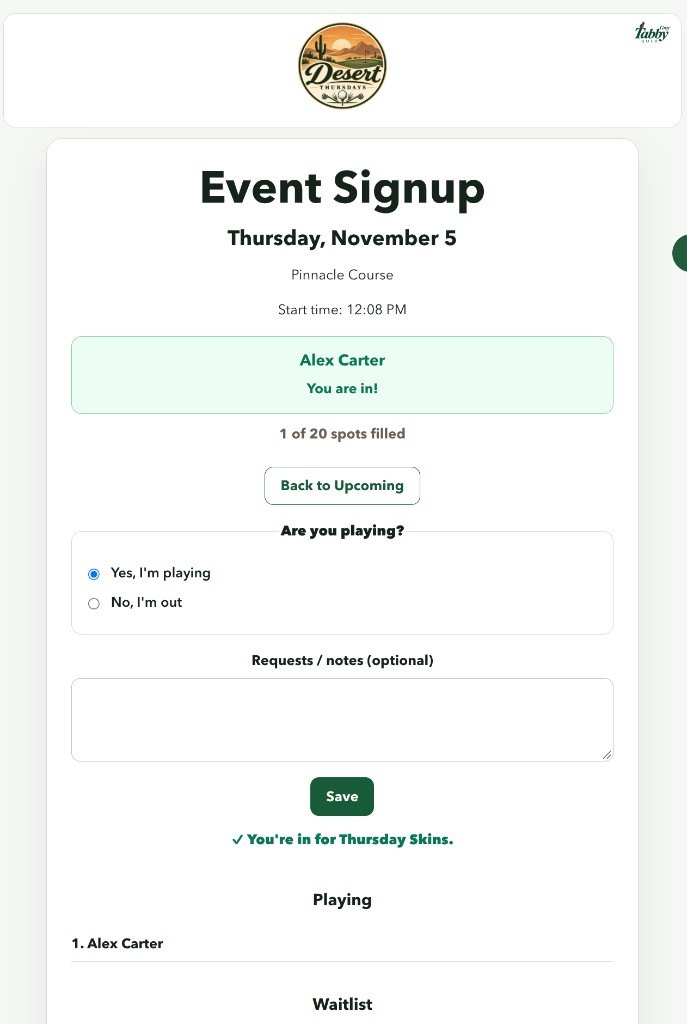
The group's signup page lists upcoming events without asking you to log in. Open one and you can see the date, the course, the start time, and whether there is still room.
That page does not put you on the list. Saying you are playing is a separate step.
Completed rounds are on the published results. Signup stays the list of upcoming events. Open the group's results when you want last week's card.
If your email is on the roster, ask for a link. Grey Tabby Golf emails that address a link. Opening the link signs you in. It does not change your answer by itself.
Then you choose. Yes, you are playing, or no, you are out. If you are playing, you also say whether you are walking or riding. Saving records the answer.
A returning player whose browser still has a valid remembered session can make that choice and save without requesting another link. The session lasts 60 days, including after the browser is closed. When the 60 days are up, or a link has already been used, you ask for a fresh link. There is no six-digit code.
Saving an RSVP requires that link or that remembered session. Whether a Save control is shown, hidden, or disabled does not change the rule. Anyone who is not on the roster can still read the upcoming events. They cannot save an RSVP.
If the event is full, a yes can put you on the waitlist with a number. When a spot opens, the next person on that list moves up. You are not in while you are waiting.
A player who is in can add the round to a calendar. Someone who is out or waiting does not get that action.
A saved change emails the roster address. You also see the confirmation on the page: you are in, you are out, or you are on the waitlist.
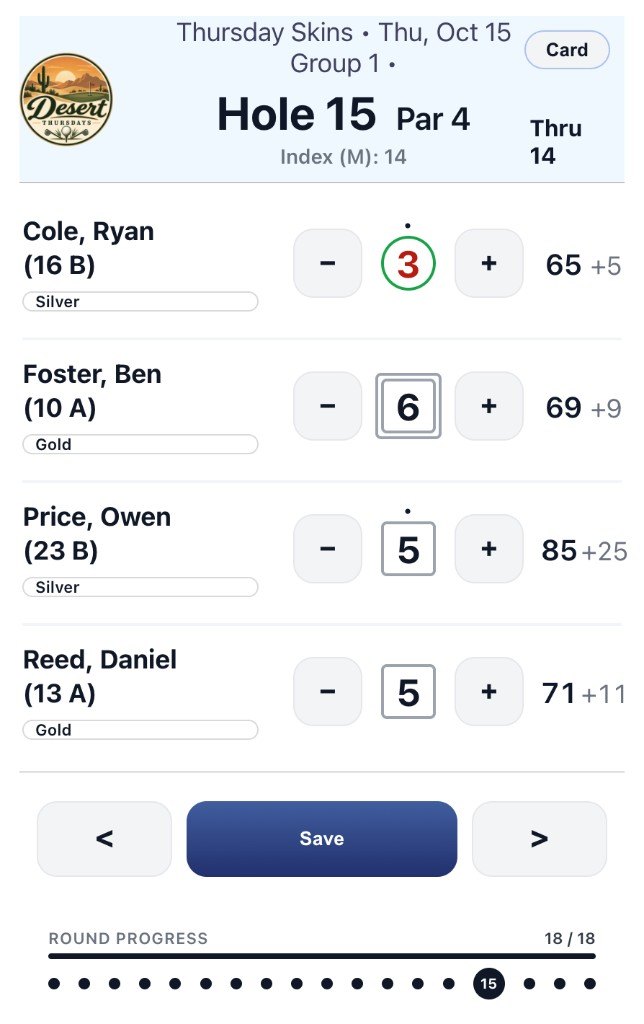
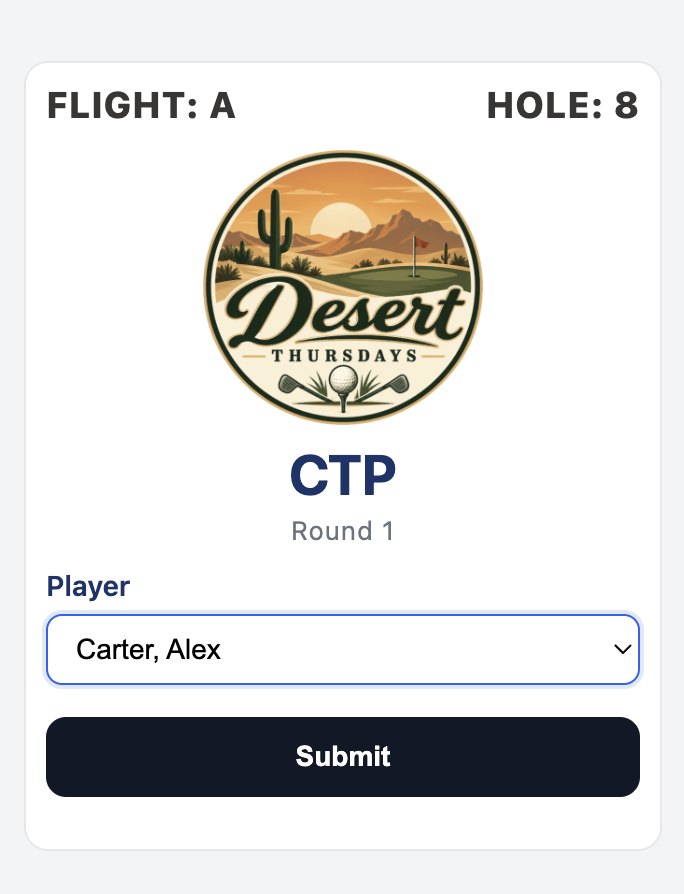
Scoring is a phone browser. You enter the hole scores for the group you are in. Closest to the pin, on the holes the organizer picked, can be entered from the hole.
You do not keep a second card for each game. Skins, stroke play, and the other competitions use those same scores.
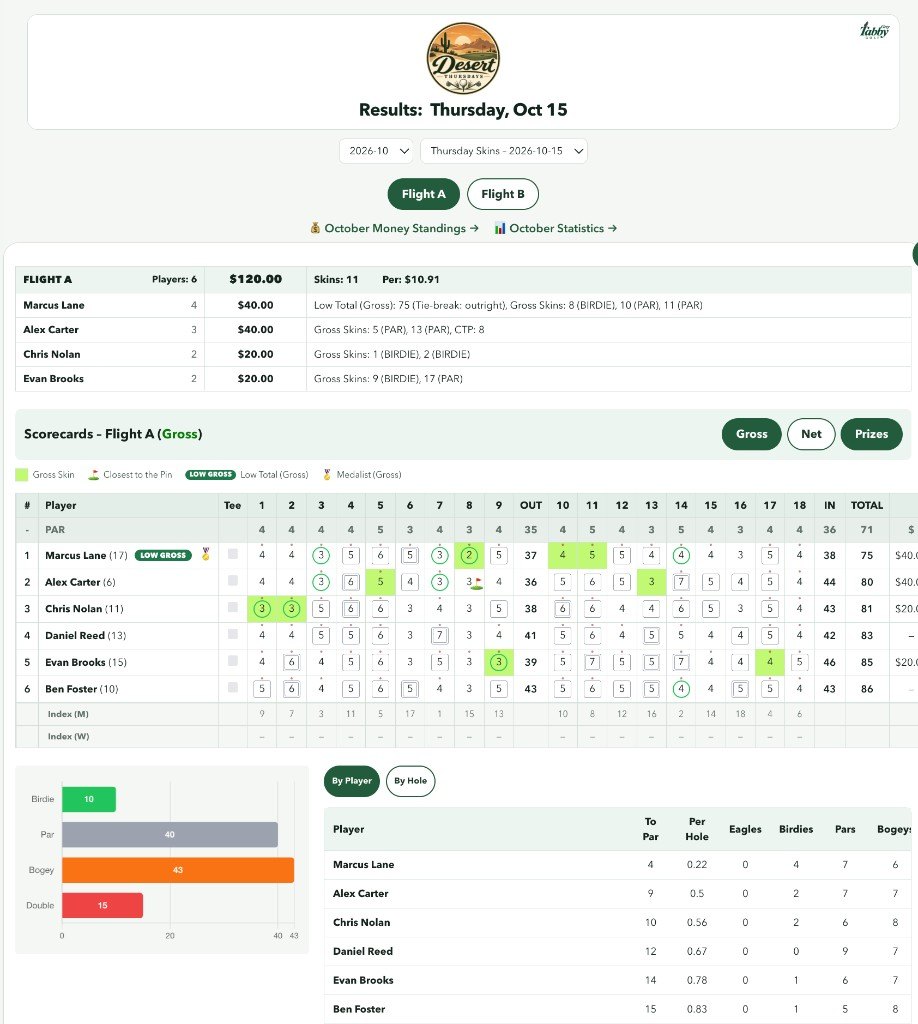
The organizer reviews the card and publishes it. Then you can read the scorecard, who won each competition, and the money for that round. Money from earlier rounds stays available.
Grey Tabby Golf shows the amounts. It does not send them. You settle the way the group already settles.
During the round, the public page is not a live leaderboard that updates every hole. The published round is the record.
A first visit needs the link sent to the roster email. A returning player with a valid remembered session can RSVP without requesting another link.
No. Opening it signs you in. You still choose playing or out, then save.
No.
If you run the group, the trial is for the organizer.